reCAPTCHA
Dex has been modified to support Google’s reCAPTCHA v2 in the integrated login screen. This only applies to cases where LDAP is being used, which results in Dex login page.
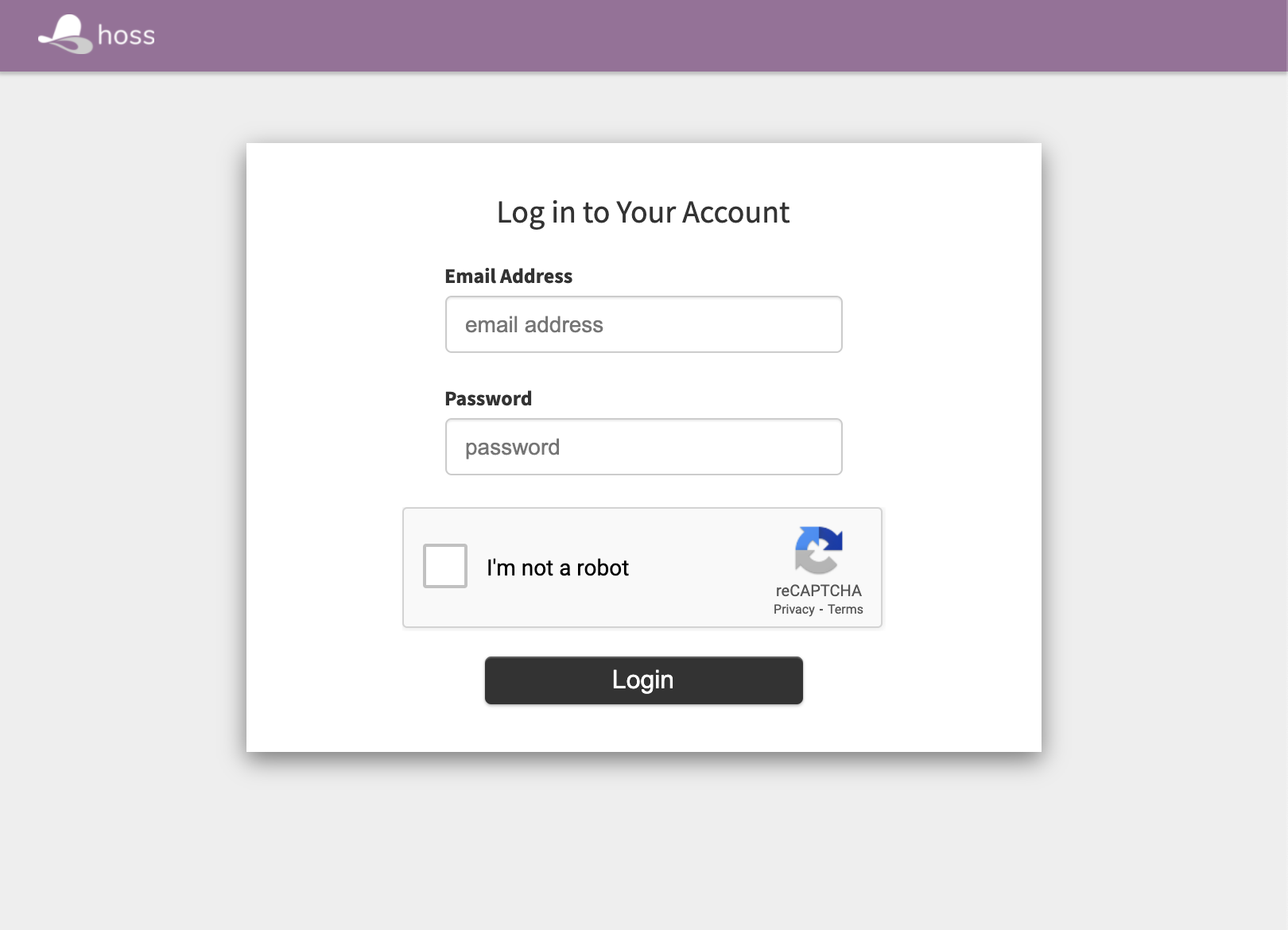
To enable the Google reCAPTCHA widget, the env var RECAPTCHA_SITE_KEY must be set. If this is set, then when make config is run,
dex/password-captcha.html will be copied into the working directory at ~/.hoss/auth/web/templates to be served. If not, dex/password.html will be used, which does not include the reCAPTCHA code.
Similarly, if RECAPTCHA_SITE_KEY is set config-dex-captcha.tmpl will be rendered and appended to the dex config file at ~/.hoss/auth/config-dex.yaml. If not, config-dex-no-captcha.tmpl is rendered and appened to the dex config file.
To obtain your site key:
Log in with your Google credentials
Fill out the form, selecting the reCAPTCHA v2 option with “I’m not a robot” Checkbox
Enter the domain you expect to use. If developing, be sure to include localhost
Set
RECAPTCHA_SITE_KEYandRECAPTCHA_SECRET_KEYto the provided values